Depricated
This blog post is depricated. old portfolio site
Introduction
I chose SvelteKit to build my portfolio website because I wanted to learn svelte or atleast get a feel for the framework. While utilising SvelteKit I came across some hurdles and challenges one of them being publishing the finished site, there are a plethora of resources available to publish a SvelteKit app to gh-pages however the approach via the svelteLand sveltekit blog site Svelteland Link did not work for me (NOTE: I could have done something wrong!)
Reference repository: dionpinto repo
Initialization
I am assuming that you already have created a SvelteKit application and a git repo for that application. If not, create them now.
Configure GitHub Pages
The approach on the svelteLand blog was to host the site on a separate gh-pages branch on
the /root folder, this would be my suggested approach as well as having a separate branch
for the deployed jargon code is better, the main branch remains relatively clutter free.
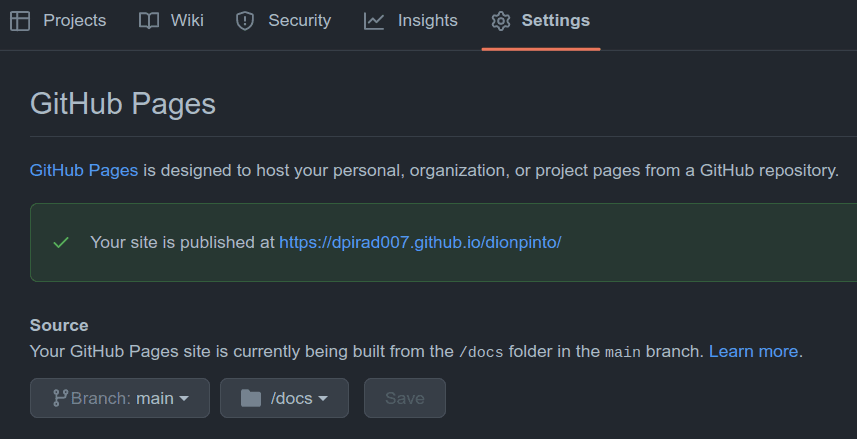
However, I hosted the site in the /docs folder on the main branch (NOTE: Both of these approaches would
work just fine.)
Configure SvelteKit
First we need to install the SvelteKit Static Adapter. It will output our app as a static set of files instead of a dynamic app.
npm i @sveltejs/adapter-static
Then configure adapter output paths and base path in svelte.config.js.
import adapter from "@sveltejs/adapter-static"; // was adapter-auto

const dev = process.env.NODE_ENV === "development"; // the first half is process->env->NODE_ENV
// it is resolving to 'development'
// (NOTE: use . instead of -> while typing in file for process env NODE_ENV)

/** @type {import('@sveltejs/kit').Config} */
const config = {
  kit: {
    adapter: adapter({
      pages: "docs",
      assets: "docs",
    }),
    paths: {
      base: dev ? "" : "/dionpinto", //Your repo name here
    },
    prerender: {
      default: true,
    },
  },
};

export default config;
we target the /docs folder. (NOTE: this is beacuse of the approach I took hosting the site
on main /docs on gh-pages)
Add .nojekyll in static
Create an empty .nojekyll file in static so GitHub Pages serves files exactly as generated.

Deploy
npm run build
Commit and push generated output.
git add docs
git commit -m "Changes committed"
git push
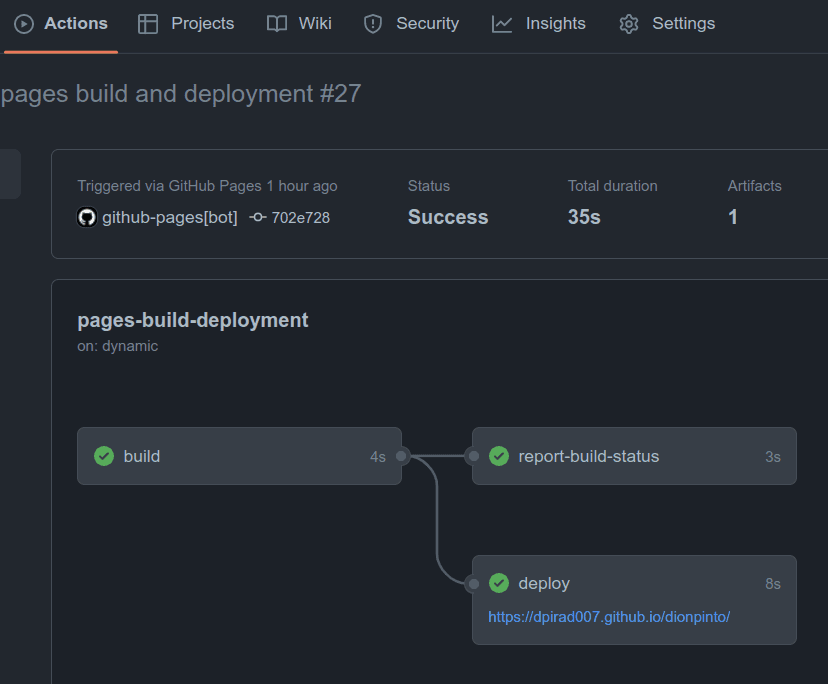
gh-pages will then deploy your site.